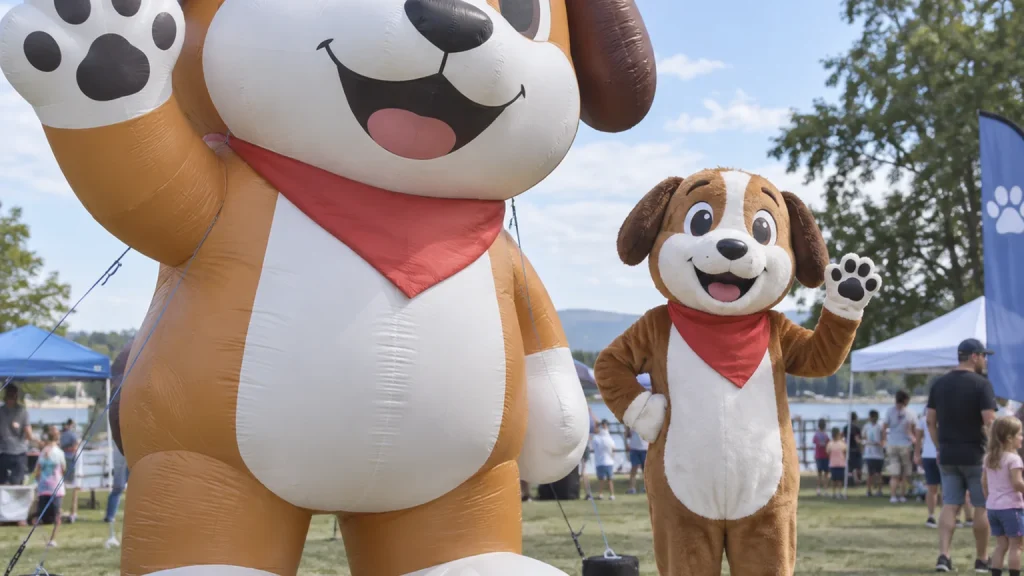
A character can look convincing in one rendering and unfamiliar in the next. Before approving a giant inflatable mascot, compare the proposed three-dimensional form with the character your audience already knows. The useful question is not simply “does this look good?” It is whether the design preserves the right identity from the angles people will actually see.
Inflatable mascot design approval should settle the character’s appearance and record any agreed adaptations before production. It is a different decision from reviewing a finished unit or accepting its installation. Start with the features that make the character recognizable, then work through the proposed views together.
Define what makes the character recognizable
Open the character sheet beside the proposed design. Identify the features that carry the identity: the relationship between head and body, the outline of the ears, a distinctive posture, the spacing of the eyes or a particular costume. A correct colour palette will not compensate for a silhouette that belongs to a different character.
Separate established brand details from details that have never been defined. A front-facing illustration may say little about the back of the head, the depth of the cheeks or where a tail joins the body. Ask the design team to show its interpretation of those areas rather than allowing an attractive front view to settle them implicitly.
Mark which features must remain and which can be adapted through discussion. Avoid asking for “exactly the same” without explaining what sameness means. If the expression depends on a particular eye shape, identify that shape. If a pose is part of the identity, show the reference that establishes it.
Our custom inflatable mascots guide covers the broader ordering process. At this stage, concentrate on the decisions that determine whether the proposed form still reads as your character.
Review a set of views, not a single hero render
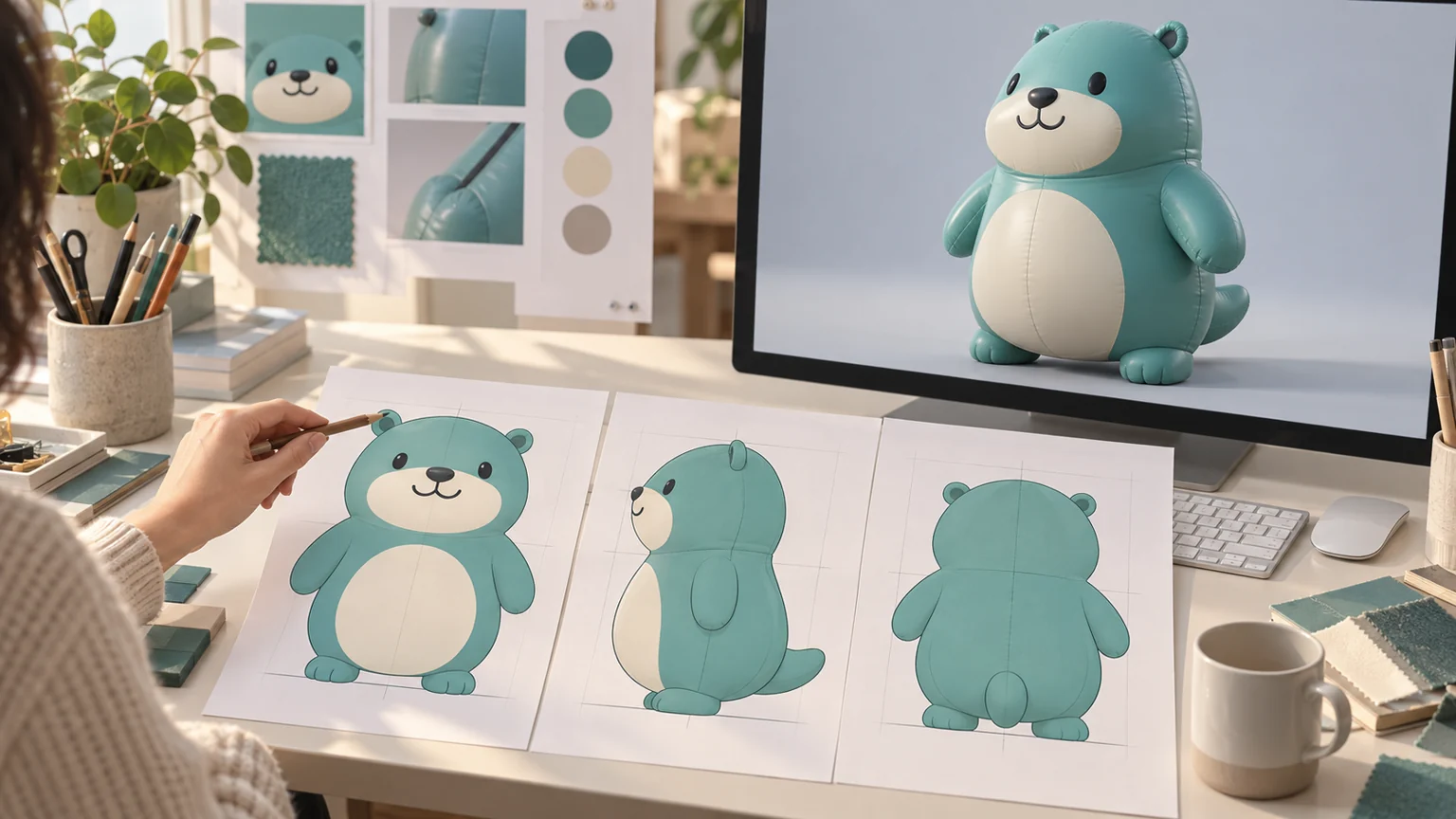
Request the front, side, rear and a three-quarter view of the same design version. A three-quarter view helps explain depth, while straighter views make particular relationships easier to compare. The views should show one consistent character, not a collection of individually appealing pictures.
From the front, compare the head-to-body relationship, facial placement and stance. From the side, examine the profile of the face, the projection of the belly and the position of the arms. From behind, check the outline, costume treatment and details that the original front illustration could not establish.
Allow for perspective. A nearer hand can appear larger in an angled rendering without being larger in the model. If a proportion looks wrong, ask for a comparable view before requesting a shape change. Feedback such as “the side profile makes the muzzle look longer than the approved character reference” gives the designer a specific relationship to examine.
The calico cat atrium project describes the transition from a flat character sheet to a dimensional display, including a multi-angle model review. It illustrates why the interpretation between drawing and form needs discussion. The review method used for a particular project should be confirmed for your order rather than assumed to be a standard package.
Agree which details are printed and which have depth
A shaded patch in a rendering can suggest a raised feature even when the proposed build uses only print. Ask how important details will be expressed: a printed marking, a separate sewn element or part of the main inflated shape. The distinction matters most where a feature must remain recognizable from the side or above.
Walk through ears, cheeks, hands, clothing and accessories. Check whether their attachment and depth are visible in the proposed views. If the designer recommends simplifying a thin detail or changing a projecting feature, ask to see the visual consequence alongside the character reference. Agree on the adaptation explicitly.
The dino-hoodie hamster display uses separately sewn costume elements, including the hood, spikes and tail. Those details contribute to how the costume reads from different directions. It is a useful example of choosing physical detail for a particular viewing requirement, rather than treating every surface as a place for a printed graphic.
A rendering does not establish how every soft component will hang when built. Record what still requires confirmation during production review. Likewise, a screen image can show intended colour placement, but precise colour acceptance needs a separately agreed reference and checking method.
Check the design from the audience’s position
Give the designer the likely viewing directions before closing the review. An entrance display may be seen mainly from the approach. A mall atrium character can also be viewed from balconies, where the top of the head, shoulders and back become prominent.
Request a view that reflects that important angle. Check whether the face, costume and pose remain understandable, and whether the chosen orientation hides a feature that matters to the campaign. A front-facing presentation can conceal a problem that is obvious from above.
Keep the character and its base in the same conversation. A change in posture or base height can alter the apparent proportions and the photographic composition. Confirm what belongs to the proposed display so a later accessory does not quietly change the approved visual relationship.
For custom inflatable mascot design, these viewing requirements help connect the artwork to the intended setting. A scene render remains a design aid: it does not establish anchoring suitability, electrical requirements or permission to use the venue.
Close the review with a clear design record
Bring the approved views, agreed adaptations and remaining questions into one identified version. Make sure the rear view and the detail views reflect the same changes as the front. A correction approved in a message should also appear in the final design reference.
State what has been approved. That may include the silhouette, expression, costume construction and colour placement, with separate confirmation still needed for physical colour references or other specifications. Avoid using a general “approved” reply to silently resolve questions that remain open.
Later, compare the finished unit with that design record. Our guide to reviewing factory photos before shipment covers that separate stage. Design approval establishes the visual reference; it does not replace finished-product checks or site acceptance.
To start a character project, send the character references, intended size and key viewing directions, and flag the features that must remain recognizable. Include any required brand approval steps. That gives the design discussion a concrete starting point before you decide which version is ready for production.