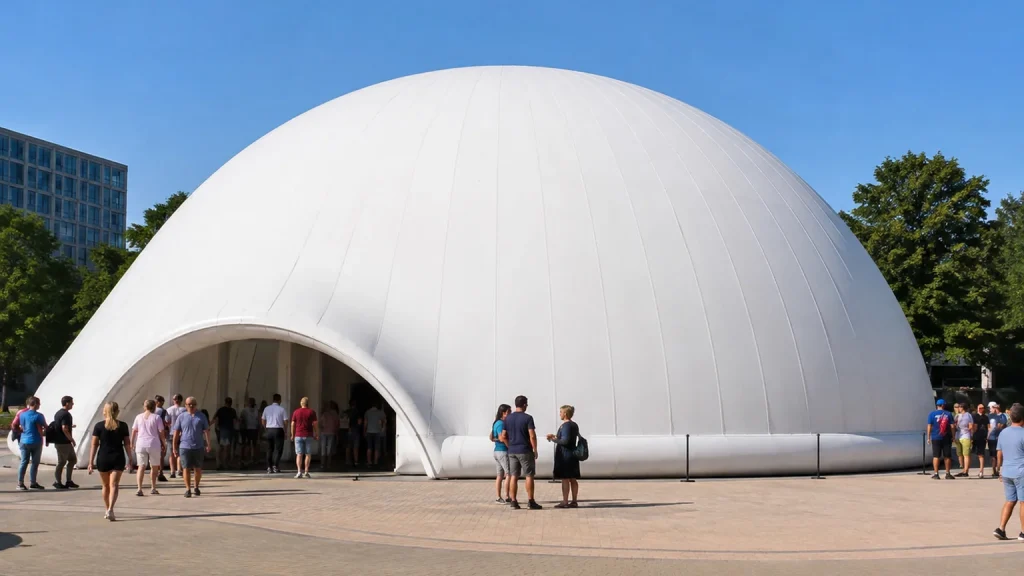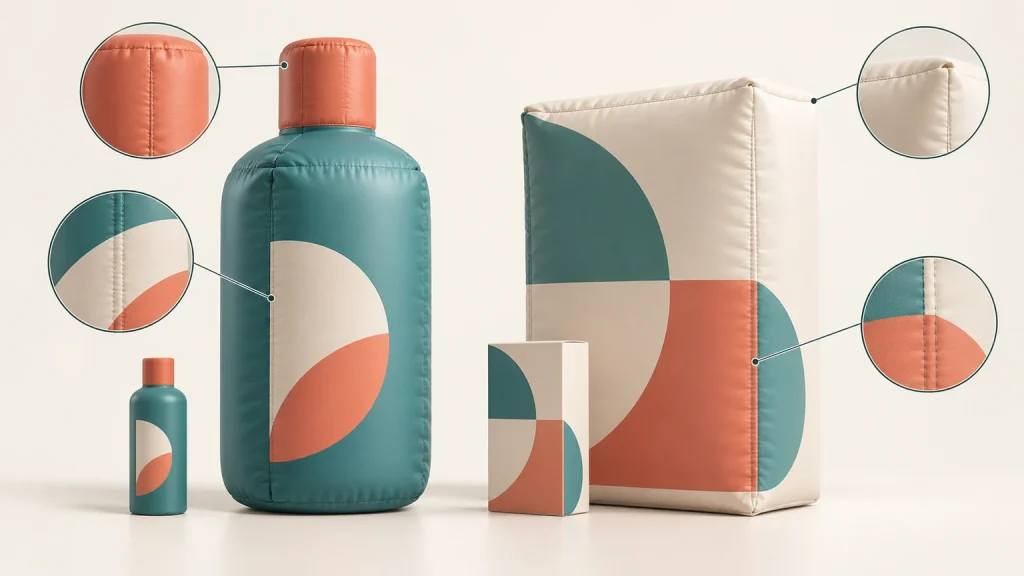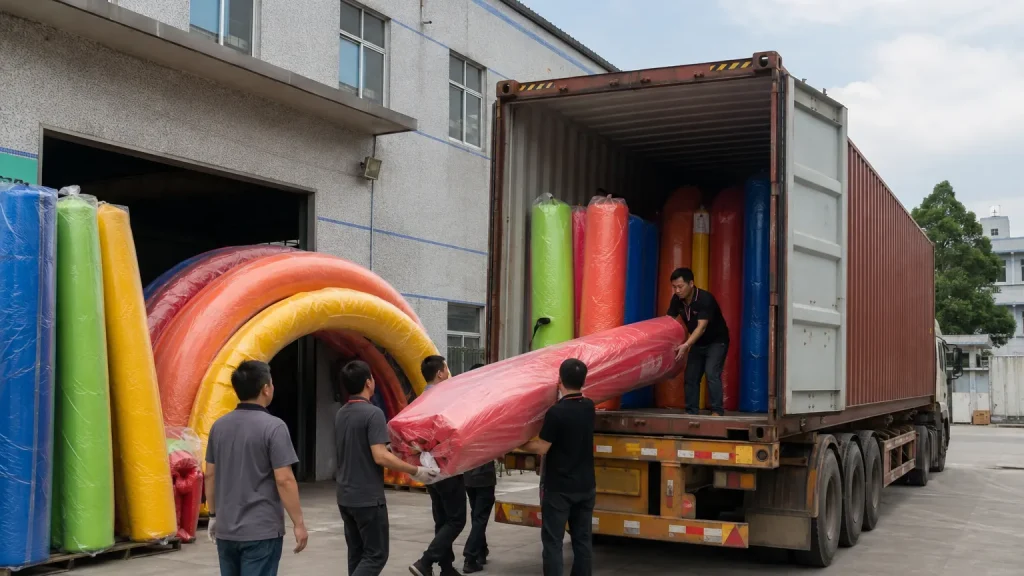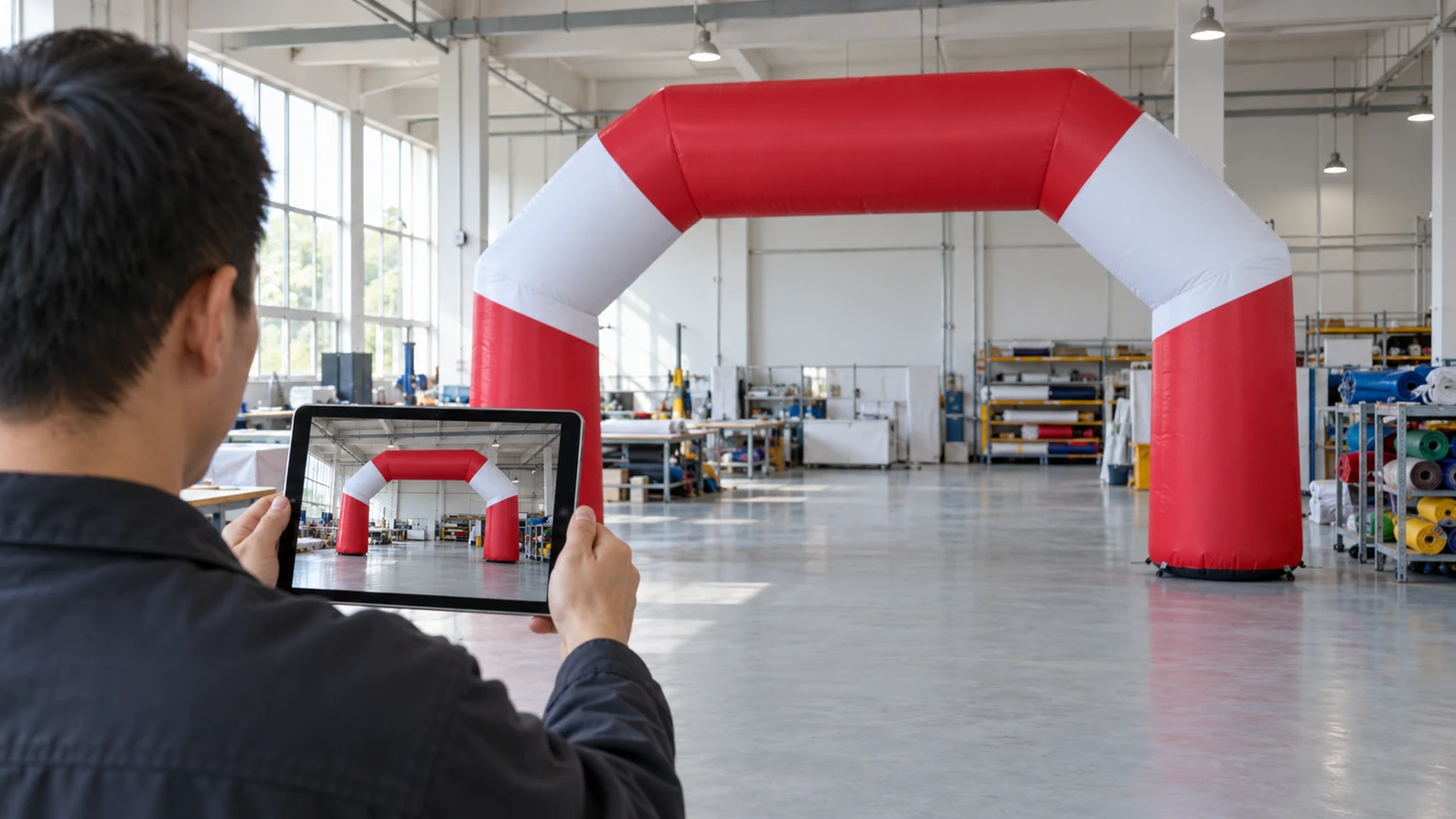
The factory has sent pictures of your finished inflatable and asked whether it can ship. The shape looks familiar, but a quick glance is not much of a review. Useful custom inflatable pre-shipment photos should let you connect the finished unit to the order, compare visible details with the approved design, and identify anything that still needs an answer. Start with those tasks before replying “looks good.”
This is a review of visual evidence, with a defined scope. A photograph can reveal a reversed logo or an unprinted rear panel. It cannot establish every aspect of product quality. Keeping that distinction clear makes your feedback more useful to the supplier and your approval more precise.
Confirm which order and version you are reviewing
First, ask the supplier to identify the order, product variant and approved artwork version associated with the images. The reference can appear in the accompanying message or file list; it does not need to be printed on the inflatable. Save the images alongside that reference so another colleague can understand what was reviewed.
Distinguish a digital rendering from a photograph of the finished item. A previous customer’s unit or a workshop sample may illustrate a design, but it does not show what is waiting to ship for your order. Ask explicitly if that connection is unclear.
For orders containing different characters, sizes or print layouts, map each set of images to the relevant variant. One photographed arch cannot confirm the appearance of every other design in the shipment. Where several identical units are ordered, agree how the supplier will identify the units covered by the review; a single picture is not evidence of the entire quantity.
Have the final approved drawing and written changes open while reviewing. Our guide to briefing a factory for custom advertising inflatables explains the information that should establish that reference before production.
Request views that allow a fair comparison
Start with an unobstructed view of the whole inflated unit, then examine the sides and details needed to check your design. A close-up of excellent printing does not reveal the overall shape. Equally, a distant workshop photo may hide small lettering or a missing graphic. Ask for additional views where a specific question remains unanswered, rather than requesting more pictures without explaining why.
For inflatable arches, compare the front and rear faces separately if both were specified for printing. Check spelling, graphic orientation and the relationship between the artwork and the opening. A front view alone cannot establish what is printed on the back.
For custom inflatable mascots, side and rear views help reveal the silhouette and projecting features that a flattering front angle can conceal. Compare these with the approved views, allowing for differences in camera position rather than treating every perspective change as a manufacturing error.
If a dimension needs confirmation, request a measurement image showing the agreed start and end points and a readable scale. For an arch opening, an outside-width measurement answers a different question from a clear-span measurement. Avoid estimating dimensions from a worker standing nearby. If the endpoints cannot be seen together, ask the supplier to explain the measurement with supporting views. Any tolerance should come from the agreed specification, not an assumption made during photo review.
Our astronaut factory test shows the finished character beside a worker for scale. The tank and fighter jet replica project includes both design renders and test-inflation photos; these are production review records, not proof of performance at a customer venue.
Know what photos and video cannot establish
A continuous video moving around the inflated unit can clarify how separate views relate to one another. It can also show the product’s appearance and movement during that recording. Ask for a sequence that answers your particular uncertainty: a rear panel, a character’s profile, or a detail obscured in the still images.
Do not interpret a short recording as proof of sustained performance. It shows what happened under the conditions and for the period recorded. It does not establish long-term operation, weather resistance or suitability for your eventual site.
Colour also needs care. Workshop lighting, camera processing and your screen can change how a printed surface appears. Images can flag an apparent mismatch worth discussing, but precise colour acceptance needs the reference and checking method agreed with the supplier. The distinctions between digital proofs and physical references are covered in our MOQ and sampling guide.
Likewise, visible seams do not prove seam strength, and an exterior photograph does not verify material grade or fire performance. Refer those questions to the relevant specification and supporting verification. Factory photos complement those checks; they are not an independent inspection or a complete acceptance test.
Turn differences into a clear revision record
When something looks wrong, identify the image and mark the exact area. Place it beside the corresponding approved view and describe the difference in plain language. “The rear logo faces the opposite direction from approved drawing B” is more actionable than “the branding looks wrong.” If perspective could explain it, ask for a straighter view before concluding that the product needs changing.
Separate a departure from the approved design from a new preference. Moving a logo that matches the approved drawing is a change request; correcting a logo that differs from it is a different conversation. Keeping those categories clear helps both sides discuss the appropriate next step.
After a correction, request a new image from the same useful angle. Keep the original issue and the revised evidence together, noting whether the point is resolved or still open. Avoid replacing the whole discussion with an unqualified approval message while questions remain.
Keep a defined visual review record
Your final record can be short: order and artwork version, image or video filenames, visible items checked, unresolved questions, reviewer and date. State what you have confirmed and which separate checks remain outstanding. Follow the agreed order process for shipment authorization; visual approval should not silently stand in for every other requirement.
Once the review is complete, the next conversation is delivery. Our international shipping guide covers that planning stage.
When enquiring about a custom inflatable, send your design and explain which views, measurement records and operating footage you would like before shipment. Ask the supplier to confirm what can be provided. Agreeing that evidence early gives both teams a practical reference when the finished unit is ready.